Lift Isn’t the Whole Story. We Rebuilt Our Dashboard Around What Is
Metrics That Matter: Your readout should show whether a campaign paid off, not only whether behavior moved.
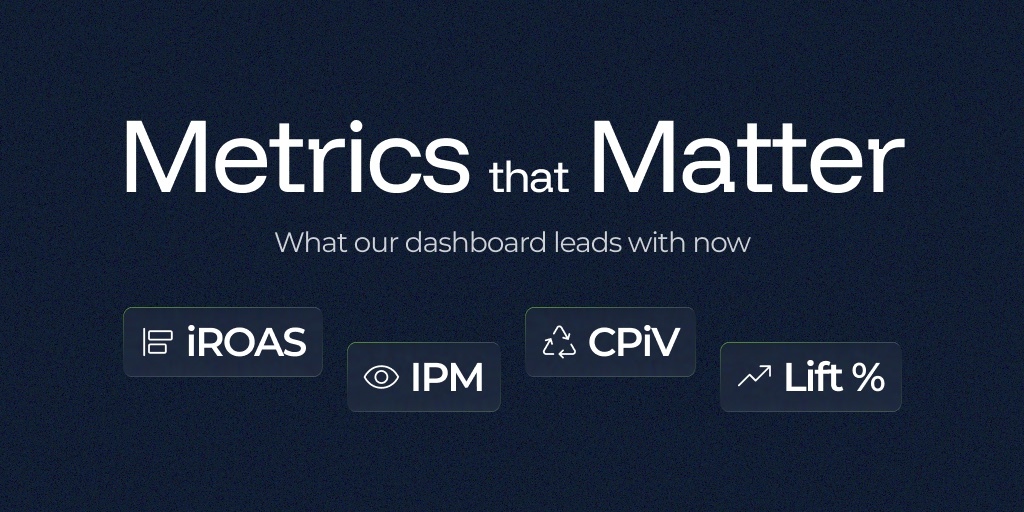
A low lift can hide your best campaign, so we rebuilt our reporting to show which ones paid off. InMarket campaign incrementality reporting now leads with iROAS, IPM, and CPiV, each with a benchmark. Lift % is still reported alongside them. Watch why we made the change in The Lift % Trap.
What each metric measures
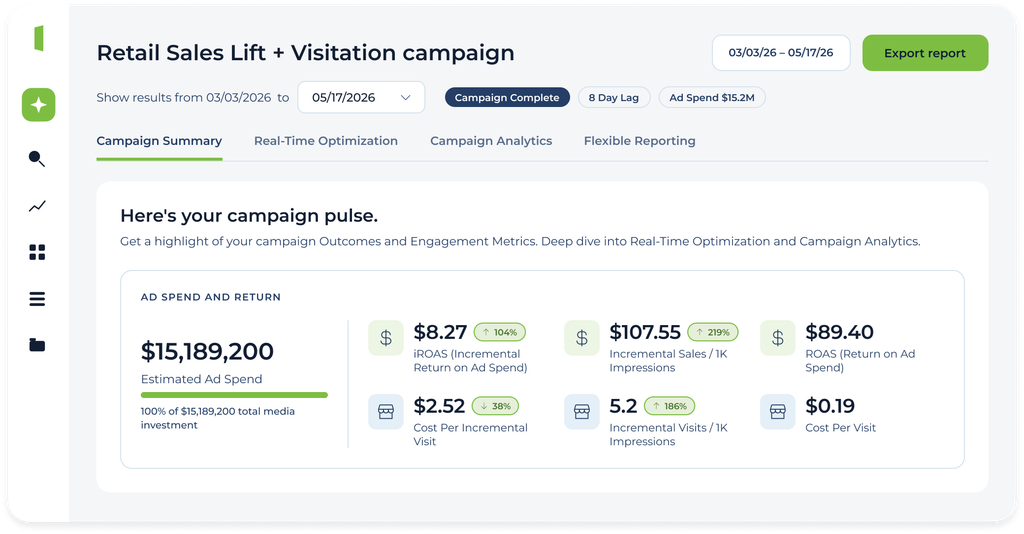
- iROAS (incremental return on ad spend): the sales the media caused, for every dollar spent. It answers whether the campaign was worth the money. Unlike standard ROAS, it counts only sales that would not have happened without the media.
- IPM (incremental outcomes per 1,000 impressions): the extra sales or visits produced for every 1,000 impressions. It answers how much the media produced, and it holds steady over a flight and across channels and partners.
- CPiV (cost per incremental visit): what each extra store visit cost. It answers whether you bought efficiently, and it is the go-to measure for foot-traffic goals.
- Lift %: The percentage difference between the behavior of people exposed to the media compared to baseline behavior without exposure. It answers whether the media changed behavior. It is a diagnostic, not a verdict on value.
What’s new
- Benchmarks: for the first time in more than 10 years, benchmarks go beyond lift %, broken out by media type, vertical, and sub-vertical. You’ll find them in the dashboard Help Center.
- Dashboard: spend and return metrics in the top row, benchmark badges on iROAS (or CPiV), IPM and lift %, and IPM by audience, creative and tactic for in-flight optimization.
- PowerPoint reports and downloads: reports put iROAS (or CPiV) and IPM next to lift, and downloads add the per-1,000-impression metrics, using the same definitions as the dashboard. If your team automates downloads, a few column names have changed; your account team can share the details.
What you need to do
Already a client?
Nothing to do. All historical and live campaigns have already moved to the new reporting automatically. Want a walkthrough? Book 30 minutes with your account team or reach out to us here.
Not a client yet?
If you’re weighing a move to InMarket measurement, talk to our team about what switching looks like.